GameraCode
Agentic WorkflowsLive ActivityGit + Terminal + Preview

AI-native desktop development workspace

Ship faster with agentic software workflows.

Organize projects, threads, and coding work in one desktop app.

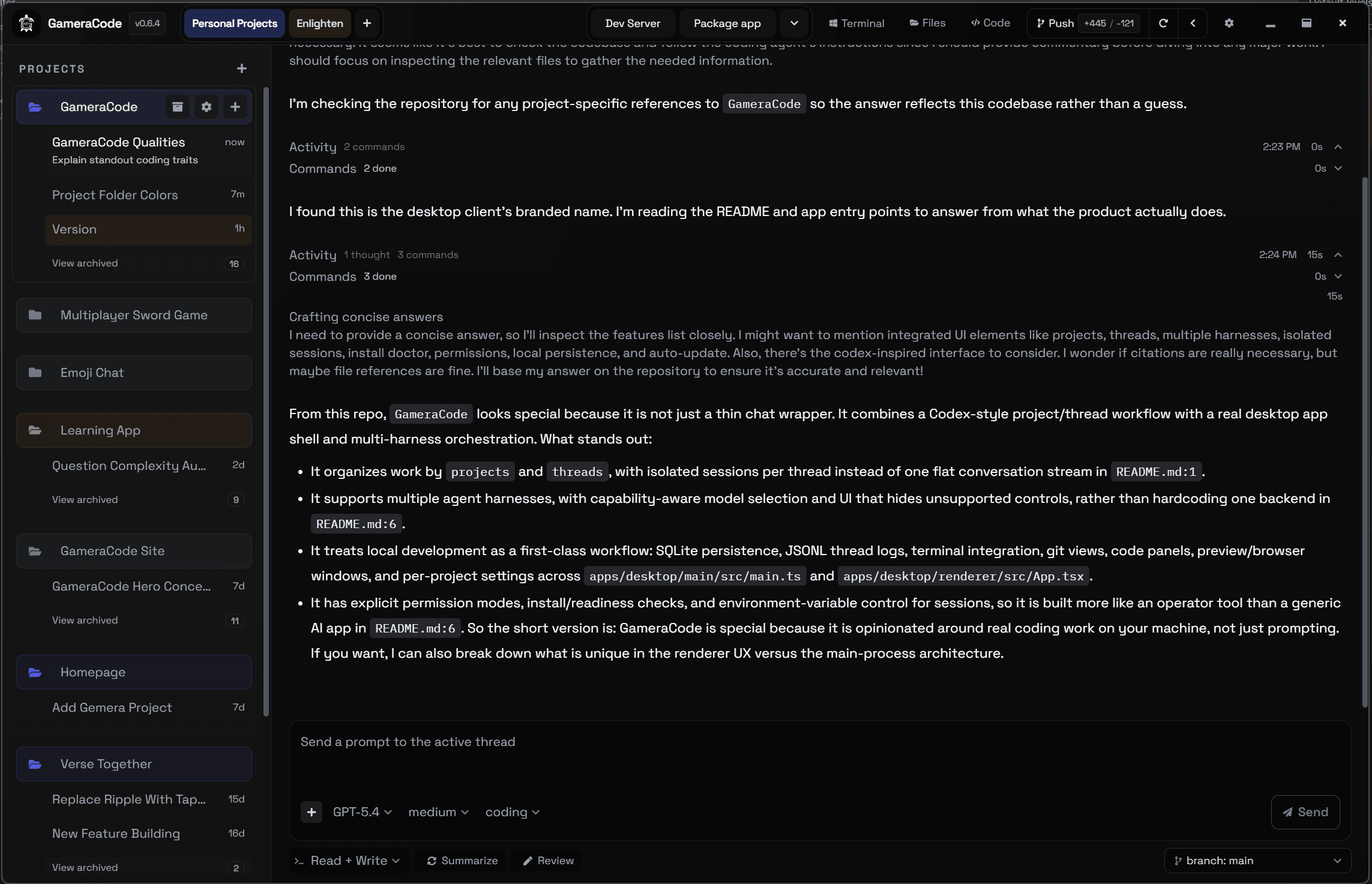
GameraCode desktop home screen
The main desktop view gives teams a large, unified view of projects, threads, and active workspace state.

Why teams ship faster with GameraCode

  • Run parallel AI workstreams across threads so implementation and validation happen simultaneously.
  • Track live actions, edits, reasoning, and tool usage for transparent and auditable development flow.
  • Use built-in Git, terminal, and app preview to keep build-test-iterate cycles tight and continuous.
  • Apply approval gates and safety controls so high-speed execution stays reliable on real codebases.

What Code App Does

The workspace is an execution layer: not a chatbot, a shipping system.

Preset Actions

Run common workflows with one click.

Preset actions let operators trigger repeatable tasks immediately instead of retyping the same commands and flows for every project.

  • Trigger repeatable workflows from ready-made controls
  • Reduce manual setup for common project operations
  • Keep operator actions visible and easy to audit
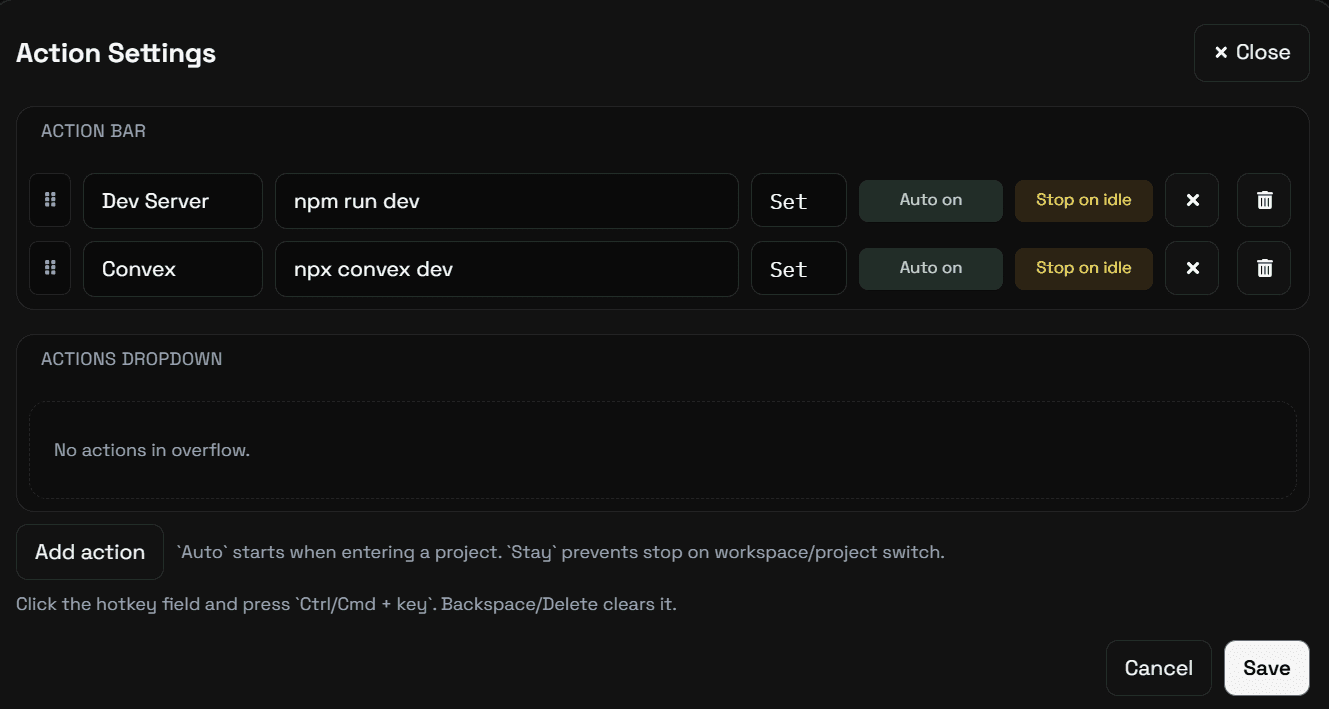
GameraCode preset actions panel
Preset actions make common tasks available as fast, visible button-driven operations.

Code Workspace

Work in a VS Code-like development environment.

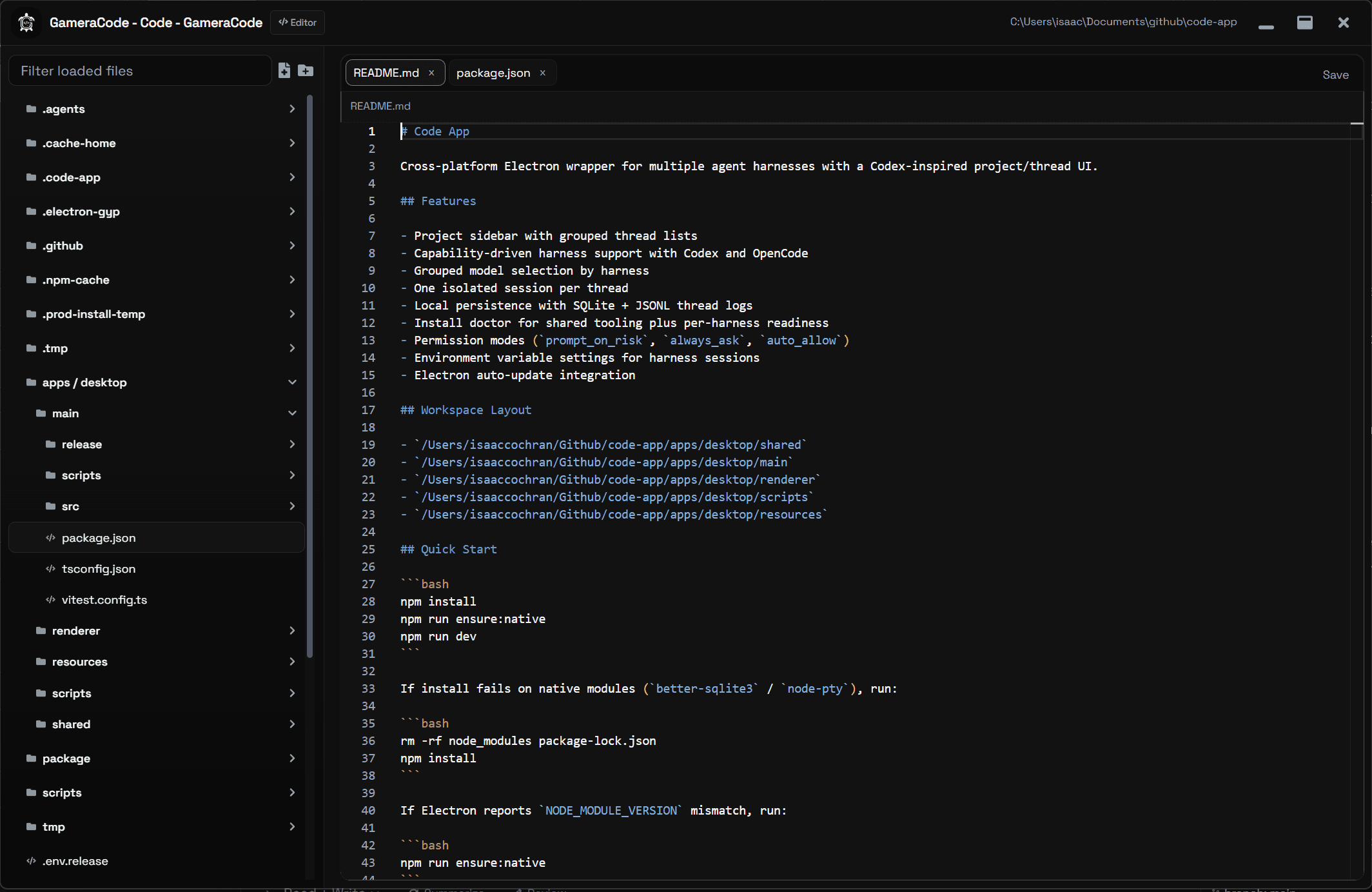
The editor experience keeps code, file navigation, and workspace context together so teams can stay inside one desktop app while building product code.

  • Familiar editor workflow for active development
  • Project context stays close to the code you are changing
  • Designed for iteration without constant tool switching
GameraCode code editor and workspace layout
A VS Code-like editing experience keeps day-to-day development inside the same workspace.

Settings + Theming

Tune the workspace to fit your team.

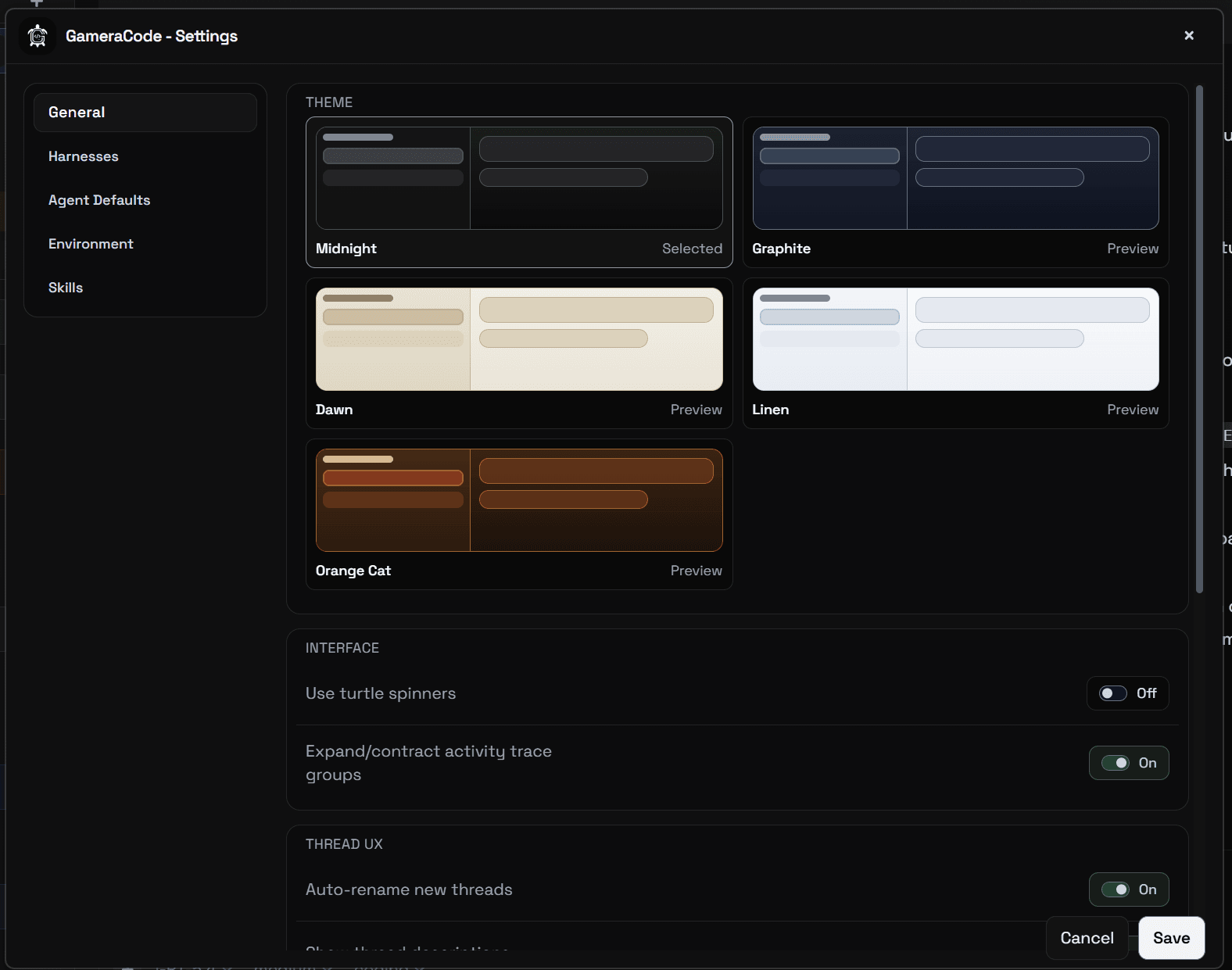
Settings and theming make the workspace configurable so operators can adapt the product to their preferences, policies, and working style.

  • Adjust workspace preferences and interface behavior
  • Support different team setups and operator habits
  • Make the environment feel tailored instead of fixed
GameraCode settings and customization screen
Settings and theming show how the workspace can be configured around the people using it.